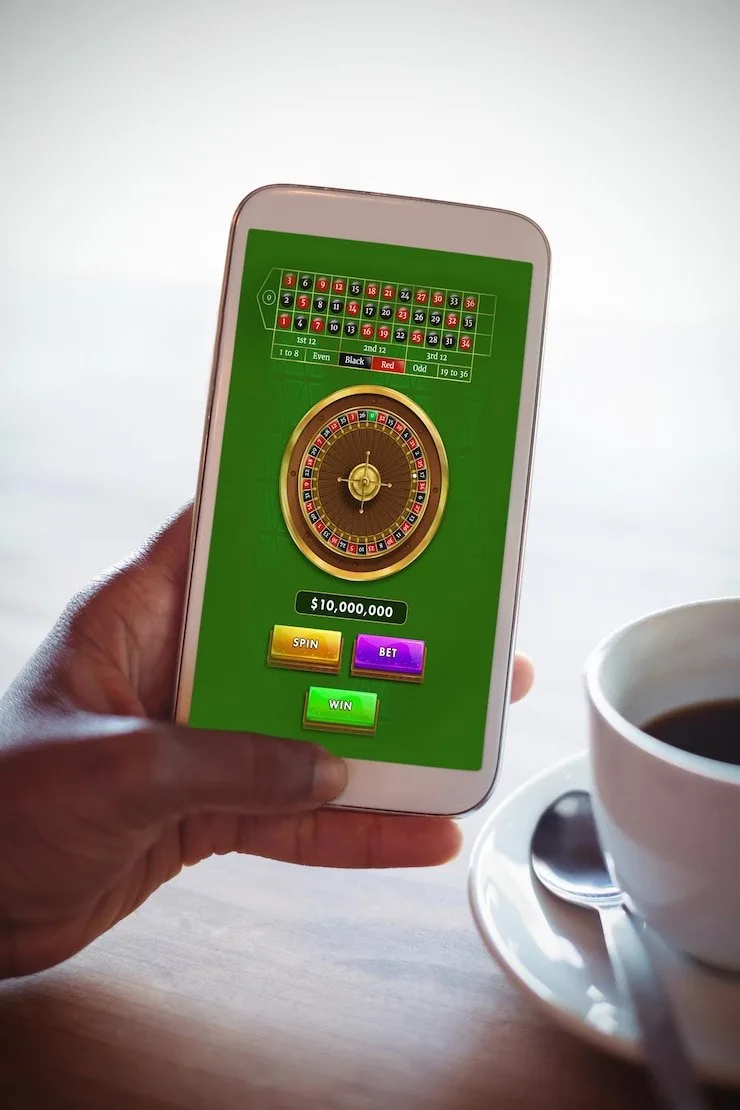

Mobile Access in 3 Steps
Getting into the eu777game lobby on your phone takes under a minute using your existing browser. No APK sideloading or app store visit is needed for browser access. If a native app build becomes available for your region, the download link will appear on the site's homepage — check there first rather than searching third-party stores. Start with these three steps to
reach the full lobby right now.
- Open the Current Site — Type eu777game into your mobile browser address bar or follow a bookmarked link. The site detects your device and loads the mobile layout automatically.
- Check Browser Compatibility — Chrome on Android and Safari on iOS both deliver the full lobby including live tables and the cricket sportsbook. Update your browser if game tiles fail to load.
- Sign In Securely — Enter your account credentials or use biometric login if your device supports it. An OTP is sent to your registered number for any new device sign-in as a security check.
- Add to Home Screen — Use your browser's Share or Menu option to save eu777game as a home-screen shortcut. It behaves like a native app icon without requiring an app-store install.